
Preparation#
Here is a checklist of tasks you should complete as soon as possible. In your CoCalc project, please check of these tasks as you complete them, and include any notes.
CoCalc#
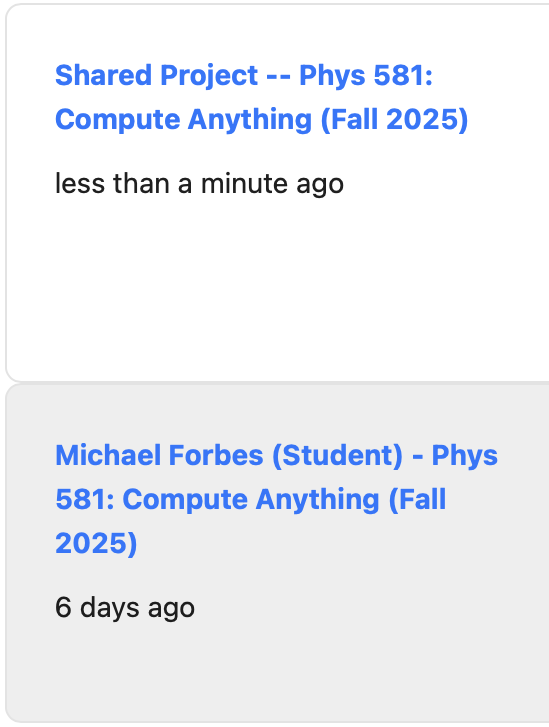
Fig. 2 Example of the two projects you should see in your account on CoCalc. The first is the Shared Project we will work in together. The second is my personal student project where I will keep my own notes and work.#
Create an account on CoCalc using your WSU email. Once you do this, you should see at least two projects:
One is a Shared Project I will use for work in class. You can interact with me here, and copy code etc. as needed.
The second is your private workspace for assignments, etc. The instructors can see and help you with this, but it is not shared with other class participants. (Feel free to create other projects as you need, but keep your work for this class in your class project.)
Shell#
You will need to have access to a unix-like shell on your computer so you can run
command-line tools like git, ssh, make, grep, etc.
Version Control#
Continuous Integration (CI)#
Create an account on [GitHub][] or [GitLab][].
Programming#
Integer math.
String manipulation.
Documentation#
Markdown